Google Earth Engine - カラーバーの表示 †
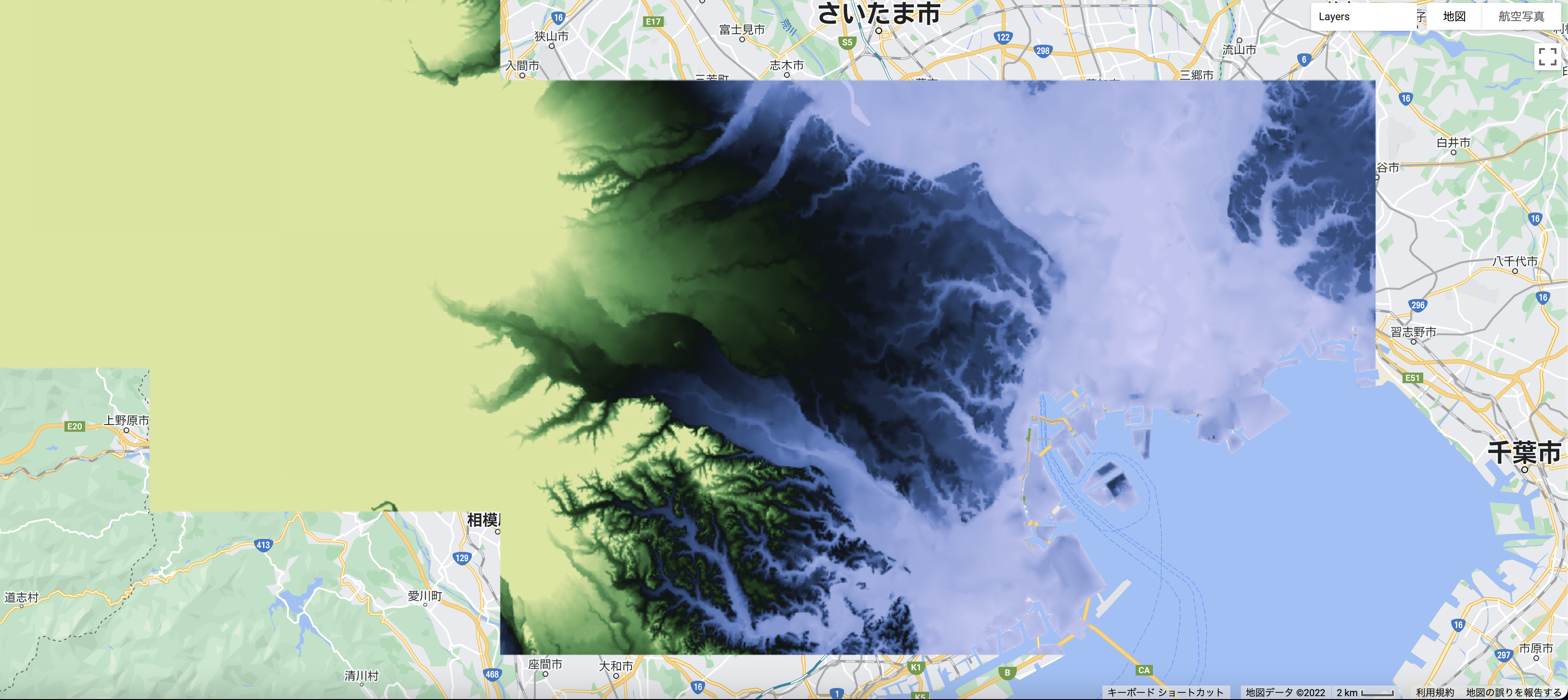
テスト用の基本図 (colorbar なしの図) †
下記のようにコードを描いて下の図の状態を基本に,colorbar を付け加えてみる.
// load
var image = ee.Image('users/miyashitafwk/topotif_tokyo');

// print information to console
print(image);

// Pull the package from the GitHub repo which stores colour palettes to be used in GEE
// See https://github.com/gee-community/ee-palettes for more info
var palettes = require('users/gena/packages:palettes');
var vis = {
  min: -5.0,
  max: 100.0,
  palette: palettes.crameri.tofino[50],
};

// show topohraphy (scientific colors)
Map.addLayer(image, vis, 'topo_tokyo_scientific'); // varname, color, label
Map.centerObject(image, 11); // varname, zoom level
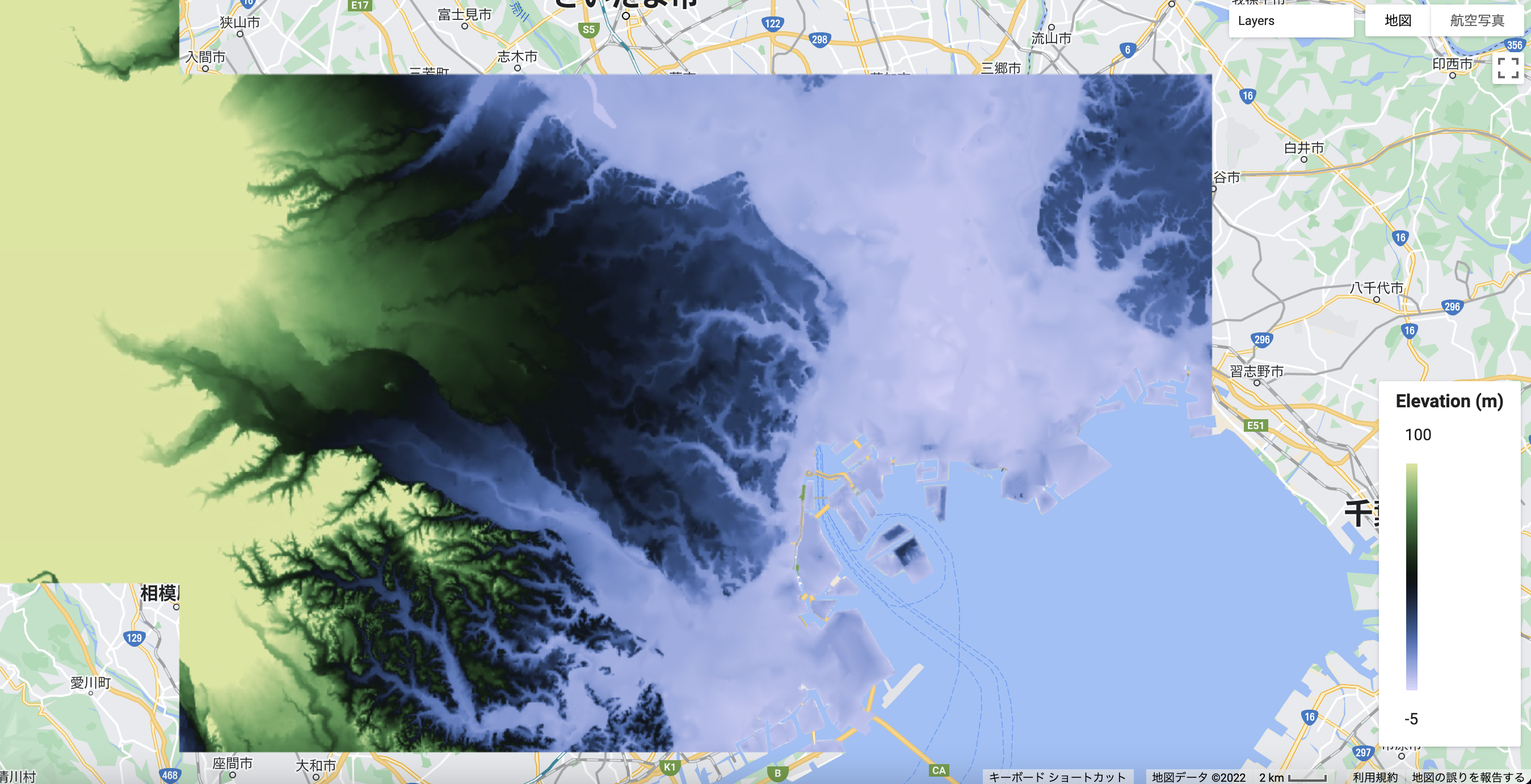
colorbar 縦向き †
//LEGEND (Vertical, Gradient, position can be changed intuitvely)
//Source: https://mygeoblog.com/2017/03/02/creating-a-gradient-legend/
// set position of panel
var legendpos = ui.Panel({
  style: {
    position: 'bottom-right',
    padding: '8px 15px'
  }
});

// Create legend title
var legendTitle = ui.Label({
  value: 'Elevation (m)',
  style: {
    fontWeight: 'bold',
    fontSize: '16px',
    margin: '0 0 4px 0',
    padding: '0'
    }
});

 // Add the title to the panel
legendpos.add(legendTitle);

// create the legend image
var lon = ee.Image.pixelLonLat().select('latitude');
var gradient = lon.multiply((vis.max-vis.min)/100).add(vis.min);
var legendImage = gradient.visualize(vis);

// create text on top of legend
var panel = ui.Panel({
    widgets: [
      ui.Label(vis['max'])
    ],
  });

legendpos.add(panel);

// create thumbnail from the image
var thumbnail = ui.Thumbnail({
  image: legendImage,
  params: {bbox:'0,0,10,100', dimensions:'10x200'},
  style: {padding: '1px', position: 'bottom-center'}
});

// add the thumbnail to the legend
legendpos.add(thumbnail);

// create text on top of legend
var panel = ui.Panel({
    widgets: [
      ui.Label(vis['min'])
    ],
  });

legendpos.add(panel);

Map.add(legendpos);
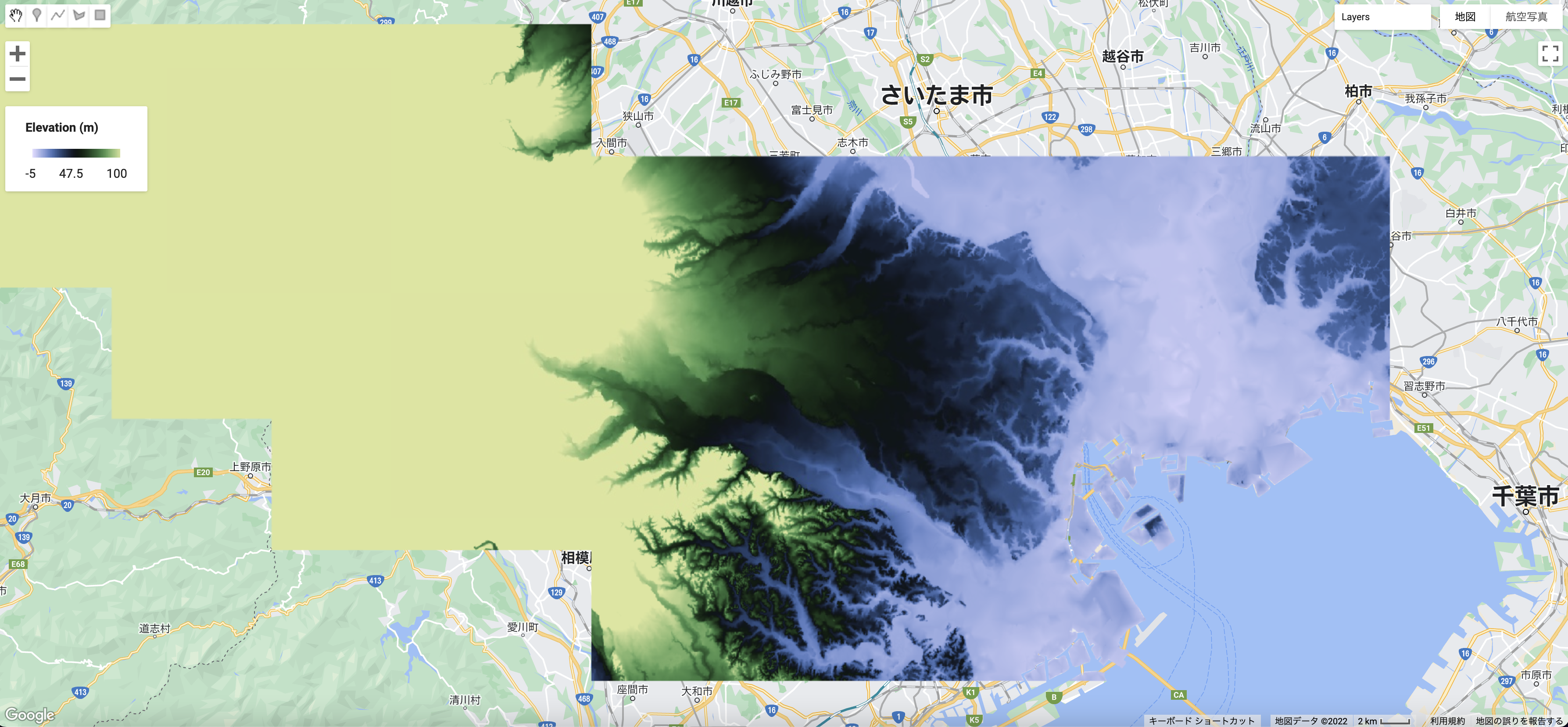
colorbar 横向き †
var palette_topo = palettes.crameri.tofino[50]

//LEGEND VERSION 1 (Horizontal, Centered, position is not easily changed)
// Source: https://gis.stackexchange.com/questions/421937/customizing-a-continuous-legend-in-google-earth-engine

// Creates a 50-step color bar thumbnail image for use in legend from the given color palette
function makeColorBarParams(palette) {
  return {
    bbox: [0, 0, 50, 0.1],
    dimensions: '100x10',
    format: 'png',
    min: 0,
    max: 50,
    palette: palette_topo,
  };
}

// Create the colour bar for the legend
var colorBar = ui.Thumbnail({
  image: ee.Image.pixelLonLat().select('longitude').int(),
  params: makeColorBarParams(vis.palette),
  style: {position: 'bottom-left', stretch: 'horizontal', margin: '0px 8px', maxHeight: '24px'},
});

// Create a panel with three numbers for the legend
var legendLabels = ui.Panel({
  widgets: [
    ui.Label(vis.min, {margin: '4px 8px'}),
    ui.Label(
        ((vis.max-vis.min) / 2+vis.min),
        {margin: '4px 8px', textAlign: 'center', stretch: 'horizontal'}),
    ui.Label(vis.max, {margin: '4px 8px'})
  ],
  layout: ui.Panel.Layout.flow('horizontal')
});

// Legend title
var legendTitle = ui.Label({
  value: 'Elevation (m)',
  style: {fontWeight: 'bold', textAlign: 'middle'}
});

// Add the legendPanel to the map
var legendPanel = ui.Panel([legendTitle, colorBar, legendLabels]);

// Legend position
var legendpos = ui.Panel({
  style: {
    position: 'top-left',
    padding: '8px 15px'
  }
});

legendpos.add(legendPanel);

Map.add(legendpos);